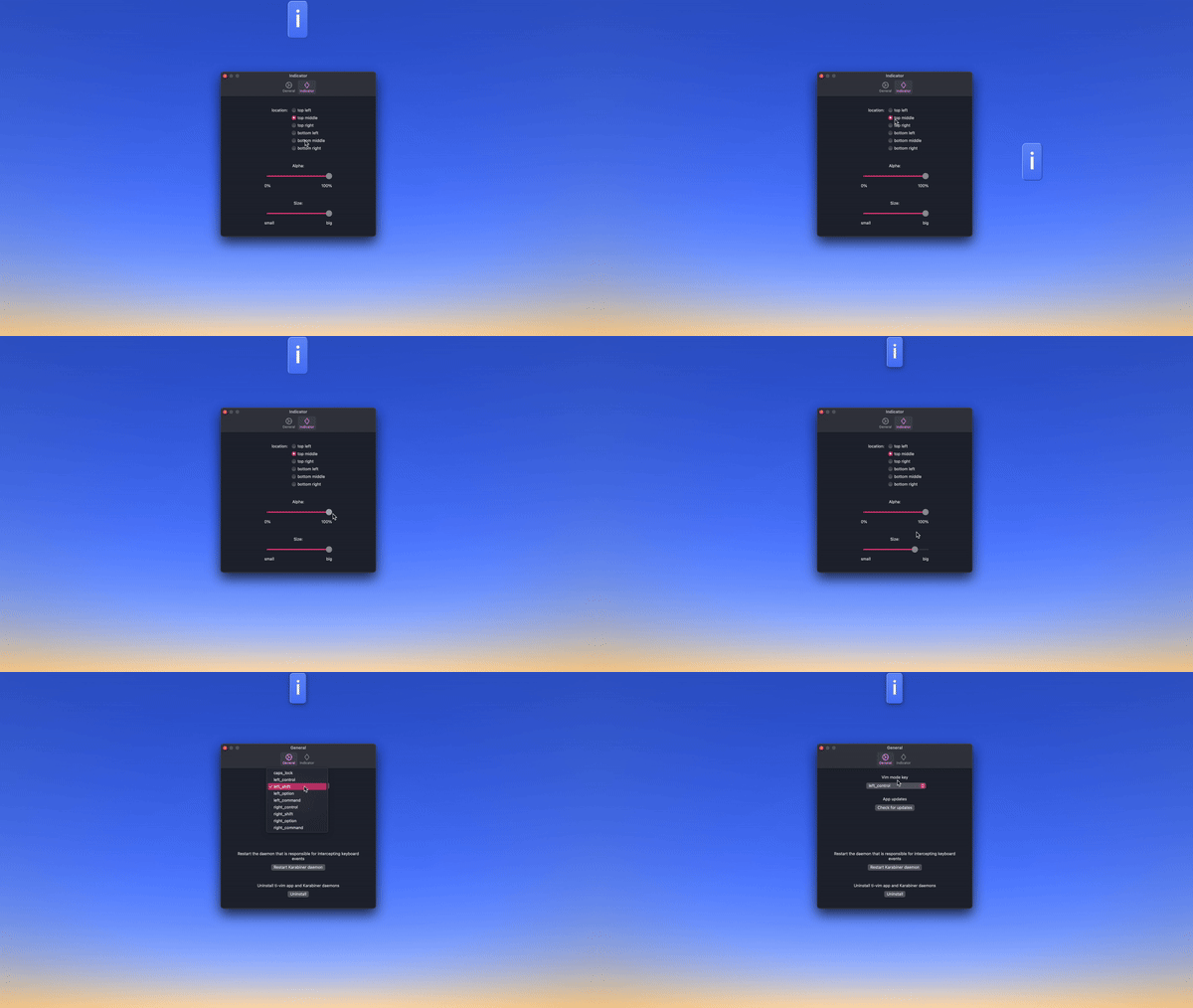


I love to use Vim, but I can't be bothered installing Vim extensions for each of my apps. I just want Vim to be enabled everywhere.

Use hjkl, b/e, $, ^, dd and many more commands in vim, normal and visual modes. Insert mode is the default OS behaviour.


Truly system-wide. Can be used in the browser, text editor, text fields, anywhere where text is input in MacOS. ovim translates Vim commands to sequence of keystrokes that will simulate the Vim behaviour in the system.
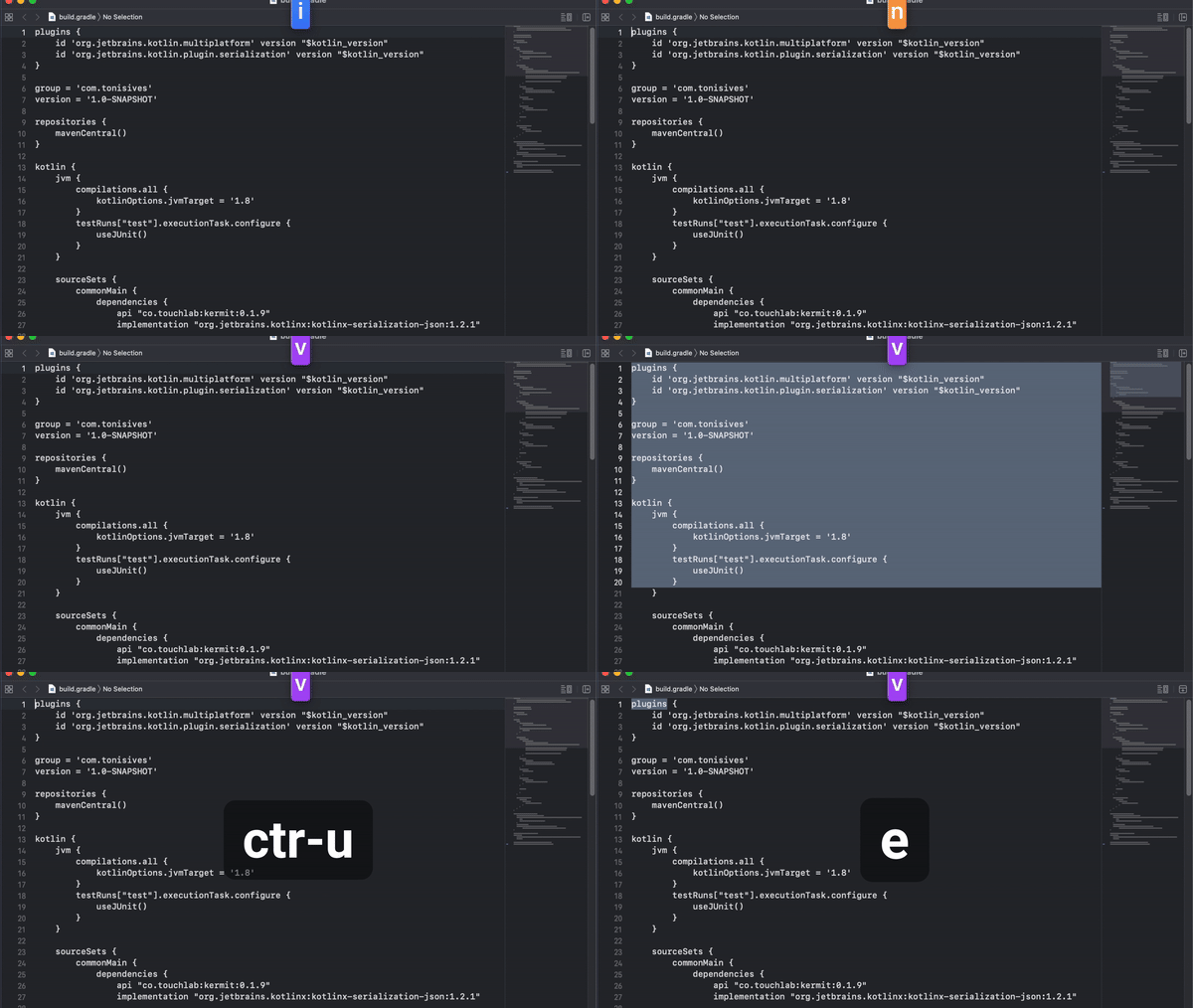
The indicator displays whether the mode is insert, normal or visual. User can position or resize it to any corner of the screen. Or hide it completely.